5 Ways Kids Bypass Parental Controls (and How Young Minds App Stops Them)
Deleted apps, free VPNs, unknown websites and late-night screens. The five most common ways children get around parental controls, and how to close each loophole.
A founder's note
As a mum, I learned quickly that children are brilliant problem-solvers, especially when the problem is a screen-time limit. Every workaround I heard from parents became something we had to design against. Not to "catch" children, but so that the rules a family agrees on actually stay in place without daily battles.
If you've ever set up parental controls and found your child back on YouTube an hour later, you're not alone. Children aged 5–12 share tricks in the playground, in group chats and through videos. Here are the five most common ways children get around parental controls, and how Young Minds App is built to close each one.
Quick answer
Most bypasses fall into five groups: deleting the controlling app, installing new apps, switching off or replacing the VPN that filters the web, finding websites the filter doesn't know yet, and simply using the device when nobody's watching. Young Minds App tackles each with Advanced Protection, extra iPhone and iPad settings, an always-on web filter, a "block uncategorised sites" option and automatic modes.
1. Deleting the app or switching off its protection
The trick: the simplest workaround is to delete the parental control app, or turn off its permissions in Settings, so nothing is enforced anymore.
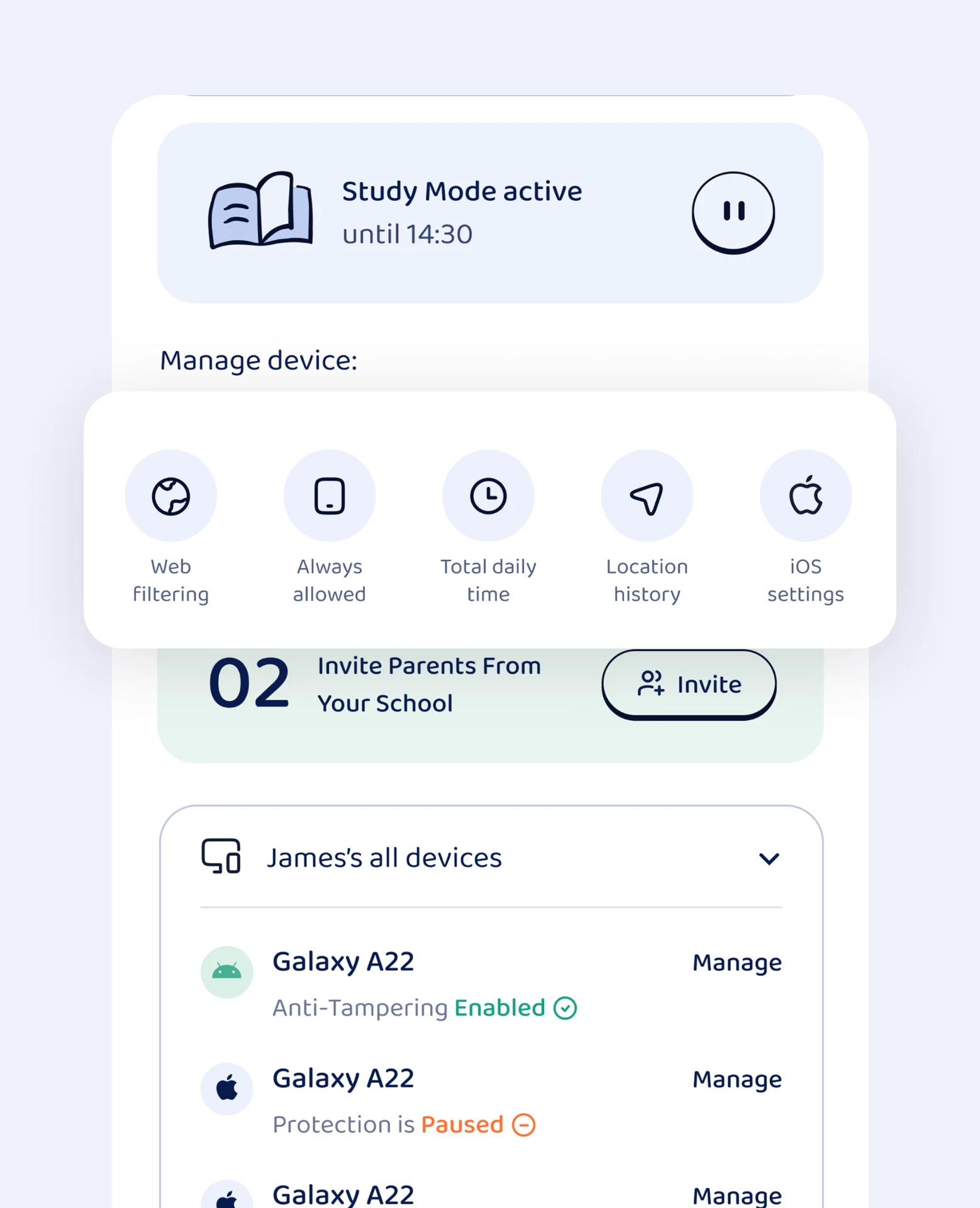
How Young Minds App stops it: on iPhone and iPad, Advanced Protection helps prevent your child removing the Young Minds Kids app or turning off its protection. On Android, Device Protection can only be switched off with your Parent PIN.
2. Installing new apps (or reinstalling old ones)
The trick: a blocked game disappears, so a "new" one with the same chat features appears. Or the App Store gets used quietly to download a lookalike.
How Young Minds App stops it: with extra iPhone and iPad settings you can hide the App Store so new apps can't be installed, block in-app purchases, and turn off multiplayer gaming through Game Center.
3. Turning off the VPN or using a free VPN app
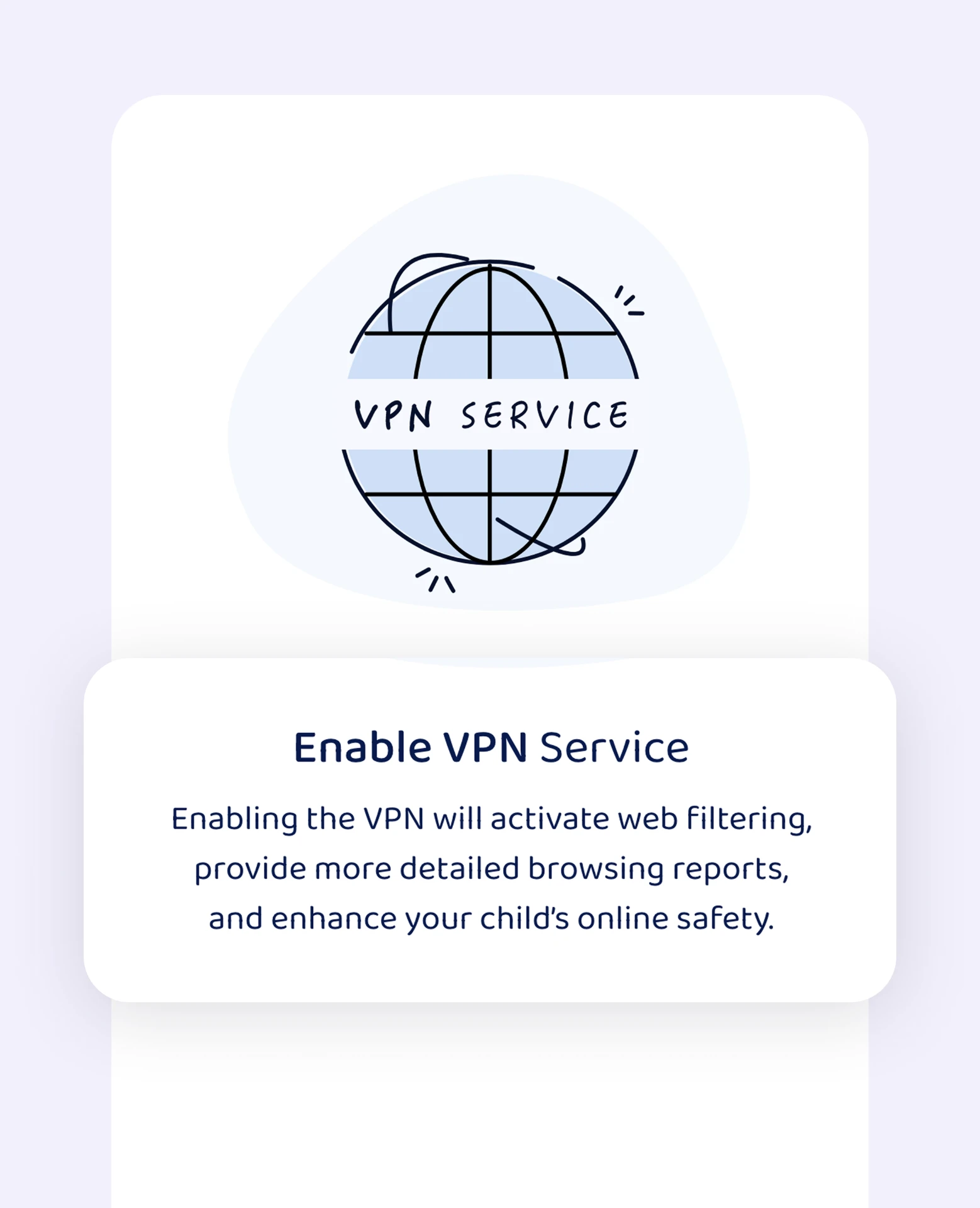
The trick: many web filters work through a VPN. Older children discover they can switch it off, or install a free VPN from the store to route around the filter.
How Young Minds App stops it: on iPhone and iPad, the filtering VPN is enabled automatically and re-enabled by the system if your child tries to stop it. You can also block other VPNs in iOS settings, closing one of the most common loopholes.
4. Finding websites the filter doesn't know yet
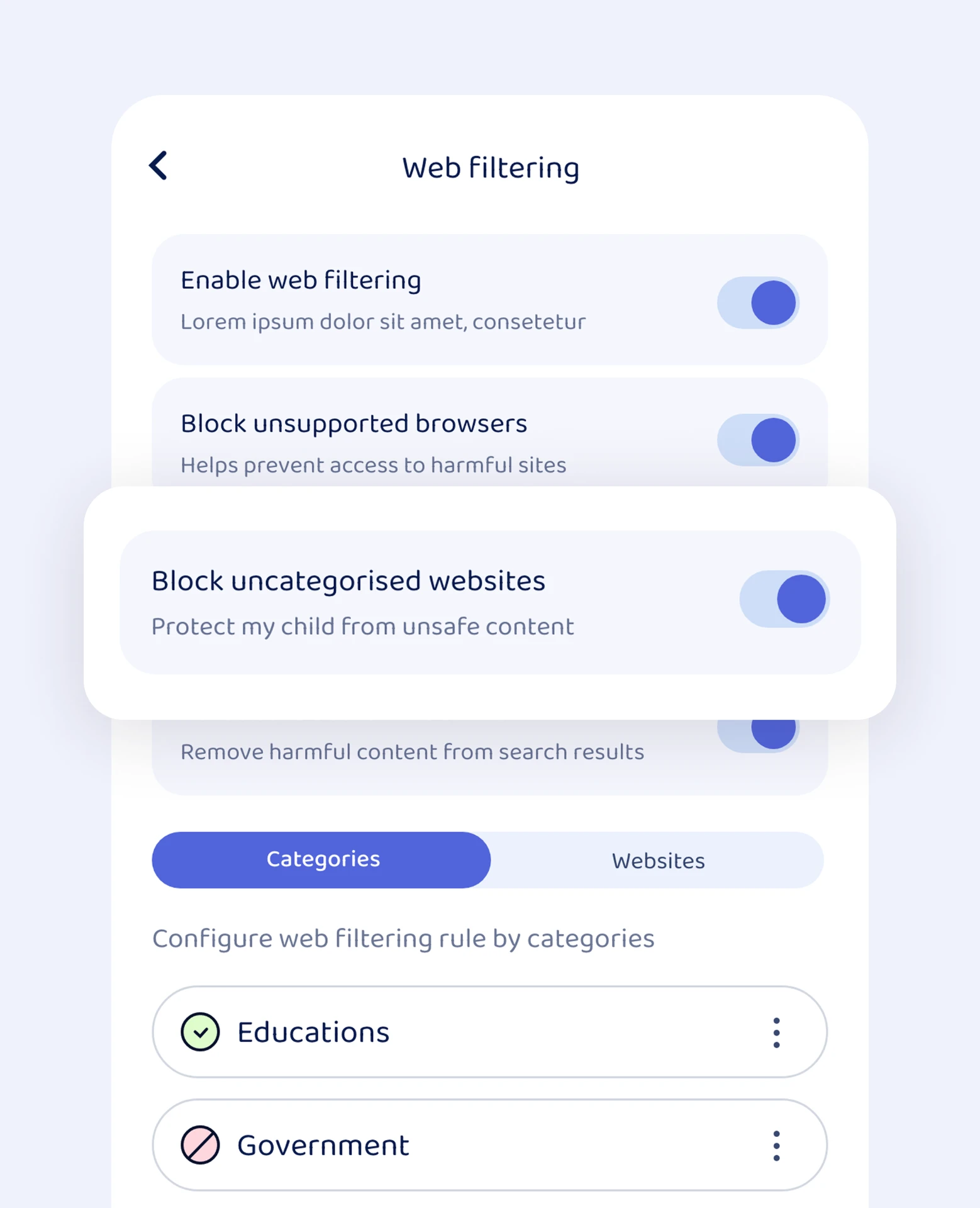
The trick: new sites, mirror sites and unblocked game portals appear every day. A filter that only blocks known bad sites will always be one step behind.
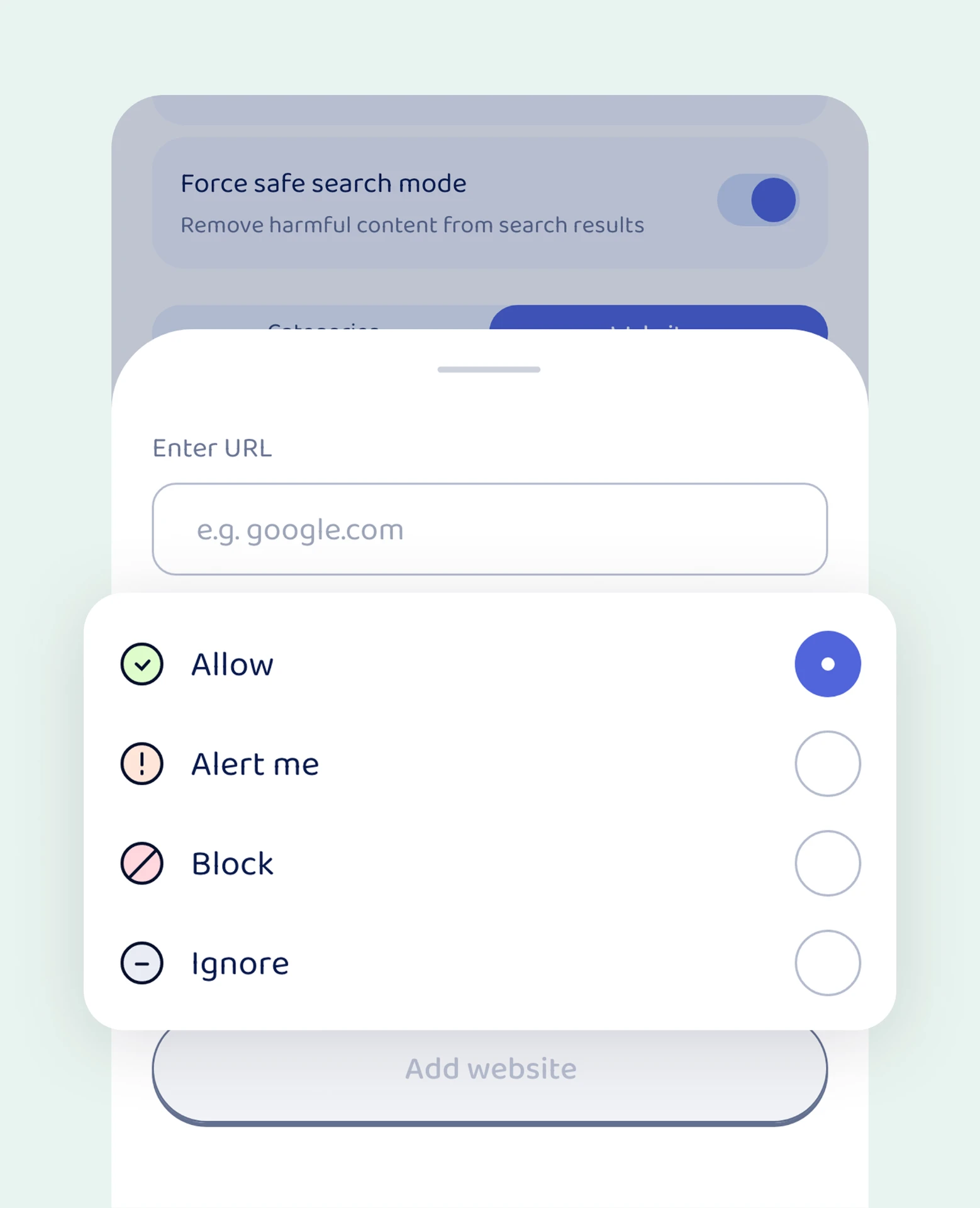
How Young Minds App stops it: turn on "Block uncategorised sites" in web filtering, so new or unknown websites stay closed until reviewed. Add web rules per mode: in Study Mode, only study apps and websites open.
5. Using the device when nobody's watching
The trick: no hack needed. The tablet goes under the duvet after lights out, or the phone comes out the moment a parent leaves the room.
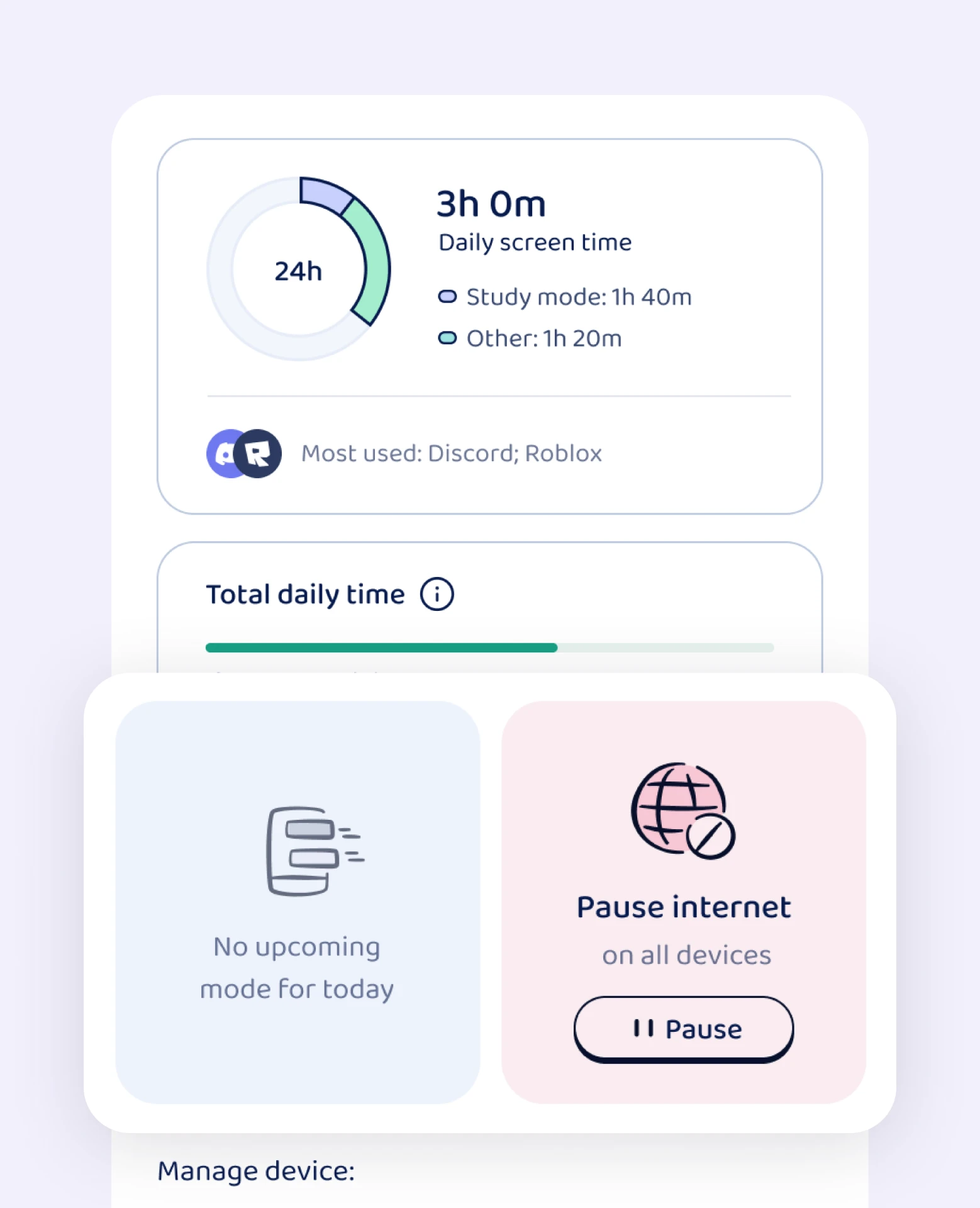
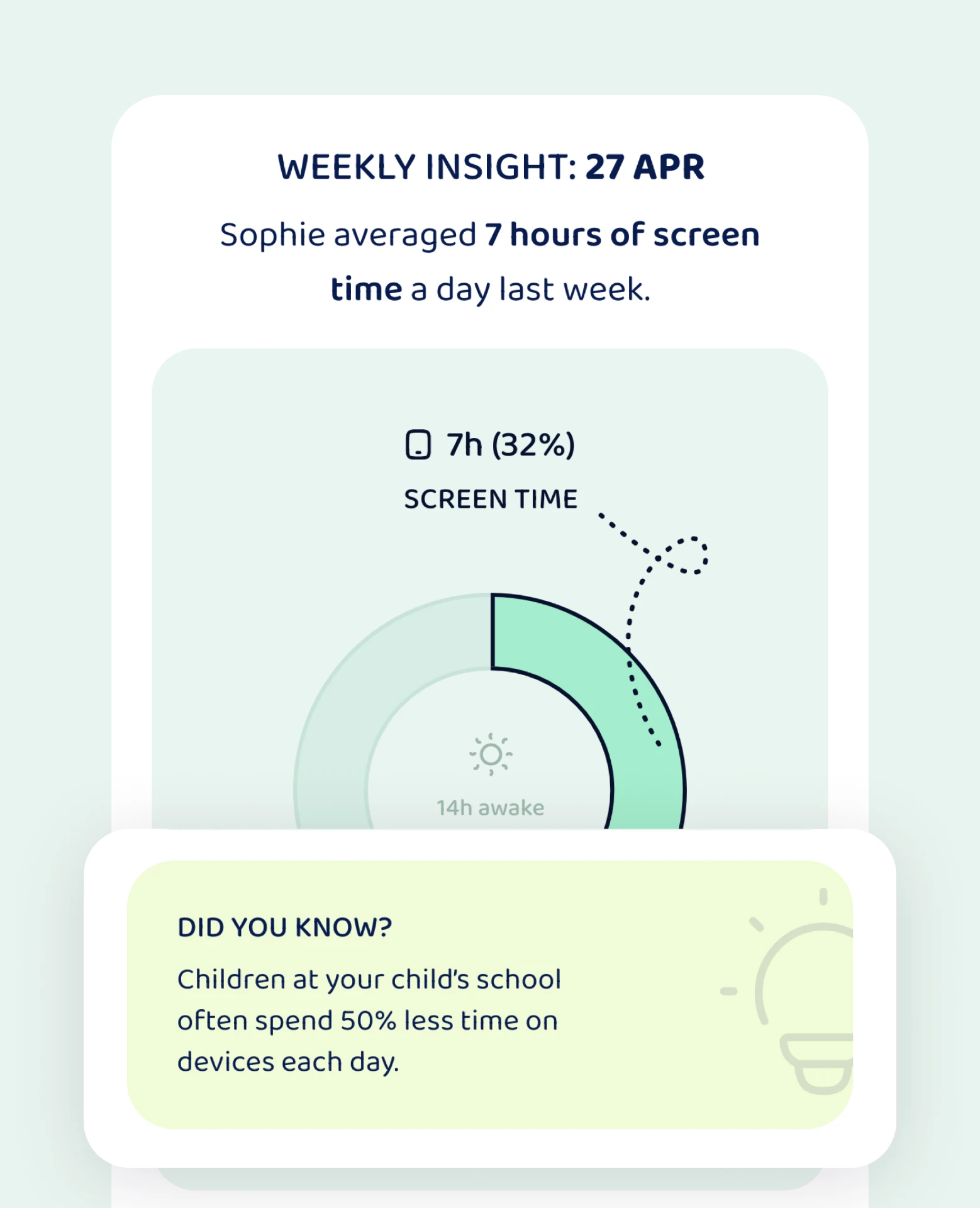
How Young Minds App stops it: Bedtime mode blocks everything except Always Allowed apps, on a schedule, whether you're in the room or not. If you need a break right now, Pause internet works instantly from your phone. Weekly reports show you what really happened, so conversations start from facts rather than suspicion.
Common bypasses at a glance
| Bypass trick | What Young Minds App uses |
|---|---|
| Deleting the app | Advanced Protection (iOS), Device Protection with Parent PIN (Android) |
| Installing new apps | Hide the App Store, block in-app purchases |
| Turning off or swapping the VPN | Automatic VPN re-enable (iOS), block other VPNs |
| Unknown or new websites | Block uncategorised sites, web rules per mode |
| Late-night or unsupervised use | Bedtime mode, Pause internet, weekly reports |
Technology helps. Trust does the rest.
No setting replaces a relationship. When children understand why the rules exist, they're far less motivated to break them. Explain the rules together, keep them predictable, and if you discover a workaround, treat it as a conversation, not a crime. Our article on why taking away the phone as punishment backfires explains why calm, predictable boundaries work better than confiscation.
Related reading
- Taking away their phone as punishment: why it backfires
- Friendship red flags in tween group chats
- What is The Com? A parent's guide
FAQ
Can children get around parental controls?
Yes. Many controls can be bypassed by deleting the app, switching off a VPN, installing new apps or finding unknown websites. Choosing tools that protect against removal and block unknown sites makes a big difference.
Can my child delete Young Minds App?
With Advanced Protection on iPhone and iPad, the Young Minds Kids app is protected from removal. On Android, Device Protection needs your Parent PIN to be switched off.
Can a VPN bypass parental controls?
A free VPN app can bypass many web filters. On iPhone and iPad, Young Minds App lets you block other VPNs and re-enables its own filter automatically if it's stopped.
What should I do if my child bypasses the rules?
Stay calm, ask how they did it, and close the gap together. Then talk about why the rule exists. Children who feel heard are less likely to keep looking for workarounds.
Close the loopholes
Try Young Minds App free for 7 days on the App Store or Google Play.