You Don't Need to Confiscate Their Phone at Bedtime: How to End Nightly Screen Battles
Taking the phone every night turns bedtime into a fight. A predictable wind-down routine that switches apps off on its own protects sleep without the argument.
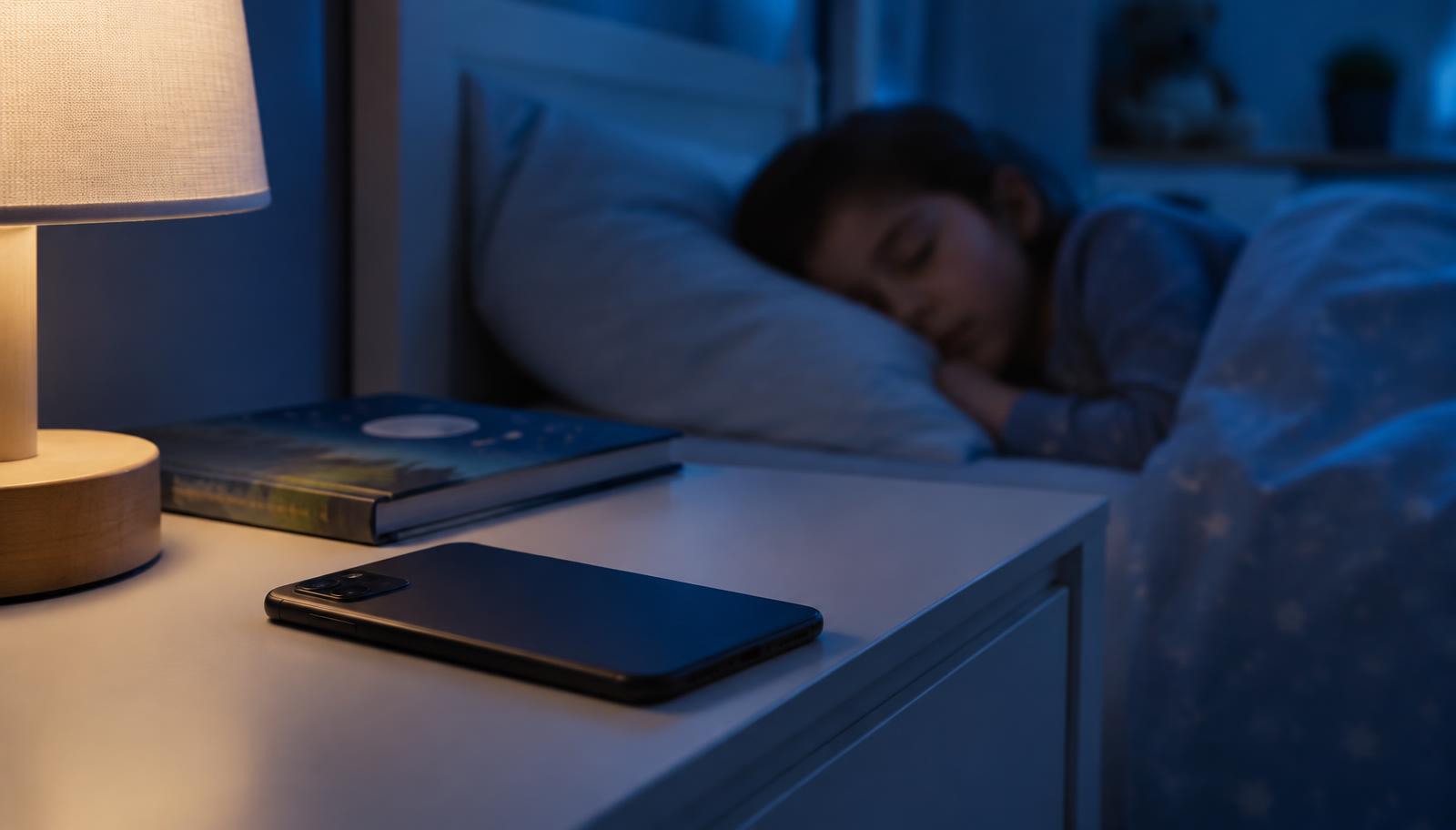
Part 2 of our "You don't need…" series: simpler, calmer alternatives to the hardest screen-time choices parents face.
Taking the phone every night turns bedtime into a fight. A predictable wind-down routine that switches apps off on its own protects sleep without the argument.
Quick answer: should I take my child's phone at night?
Keeping phones out of bedrooms overnight is good for sleep. But confiscating it by hand every evening often becomes a nightly battle. A predictable routine where apps switch off on their own, followed by the phone charging outside the bedroom, gets the same result with far less conflict.
Why the nightly confiscation fails
- You become the bad guy every single night.
- It feels like a punishment, even when it isn't one.
- It's inconsistent: on a tired evening the rule slips, and children learn to push.
- It ends abruptly: going from a fast-moving feed straight to lights-out makes settling harder.
Why screens and sleep clash
Screens at night can delay sleep in several ways: exciting content keeps the brain alert, notifications interrupt, and "one more video" pushes bedtime later. Children aged 5–12 generally need around 9–12 hours of sleep, so even small delays add up.
A bedtime routine that works
- Agree the times together: pick a wind-down start and a lights-out time with your child.
- Wind down first: 30–60 minutes before bed, only calm apps stay on, like audiobooks or music.
- Switch off at bedtime: apps lock automatically, so nobody has to grab the phone.
- Charge outside the bedroom: a family charging spot in the kitchen or hallway.
- Keep it the same every day, including most weekends.
What to do when they push back
Expect a few days of protest. Stay calm, point to the routine you agreed together, and avoid debating it at bedtime itself. Review it at a calm moment, perhaps on Sunday afternoon, and adjust if it genuinely isn't working.
How Young Minds App helps
Young Minds App's Wind Down mode keeps only calm apps available before bed, and Bedtime mode switches the rest off at the time you set, every night, on iPhone and Android. The routine holds the line, so you don't have to.
FAQ
How long before bed should screens stop?
Many families find 30–60 minutes of calmer activity before lights-out works well. Start with what's realistic and adjust.
Should the phone be in the bedroom at all?
Charging outside the bedroom removes late-night temptation and notifications. If it's used as an alarm, a simple alarm clock is a cheap swap.
What about weekends?
A slightly later time is fine, but keep the same routine so Monday isn't a fight.