You Don't Need Five Parental Control Apps: One Routine for iPhone and Android
Screen Time on one device, Family Link on another, a router filter and a YouTube setting. Why juggling tools fails, and how one family routine across every device works better.
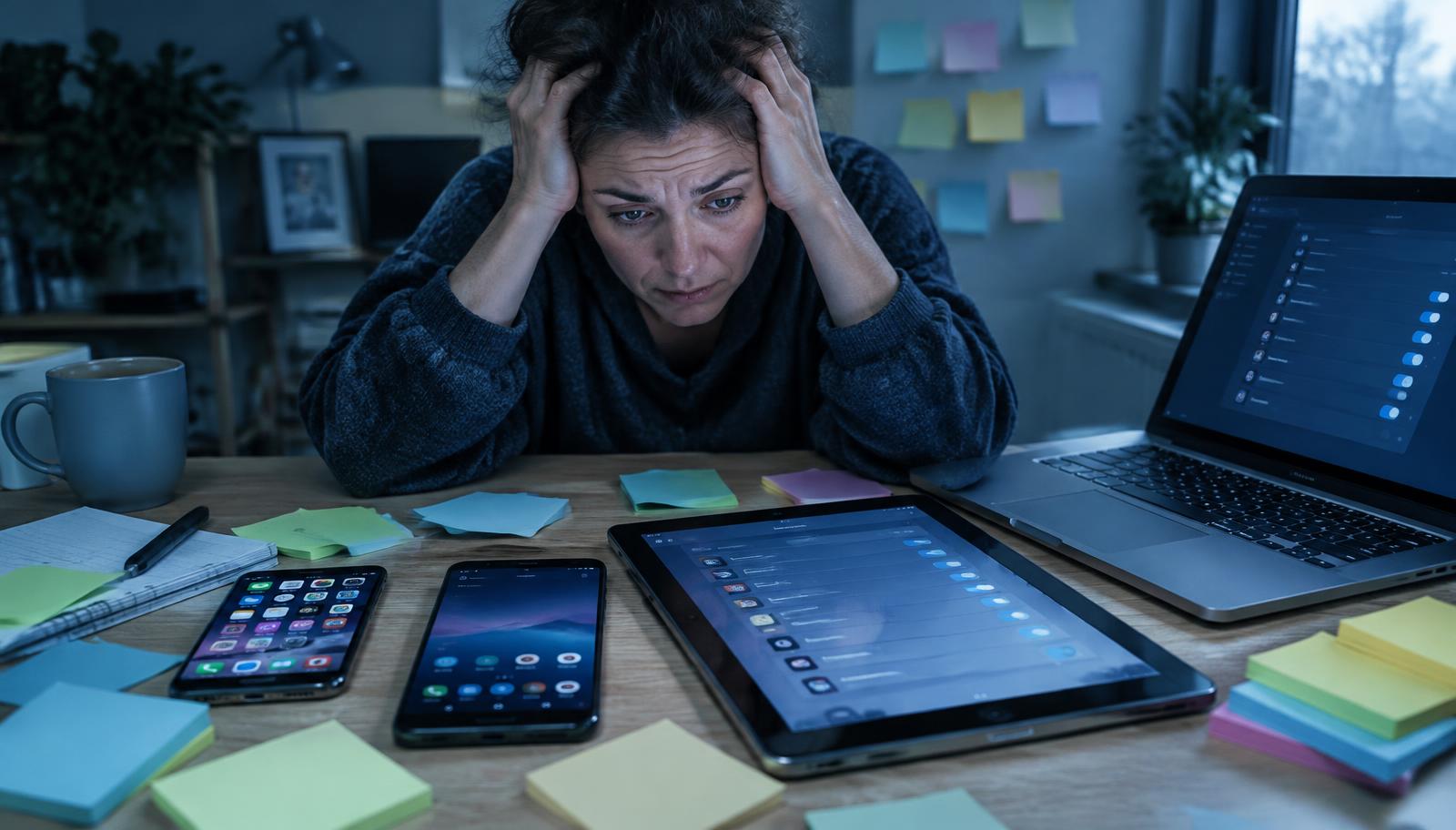
Part 5 of our "You don't need…" series: simpler, calmer alternatives to the hardest screen-time choices parents face.
Screen Time on one device, Family Link on another, a router filter and a YouTube setting. Why juggling tools fails, and how one family routine across every device works better.
Quick answer: what's the best parental control setup?
The best setup is the one you'll actually keep using. Many families end up with Apple Screen Time on one device, Google Family Link on another, a router filter and separate settings inside YouTube and games. Each works differently, and the gaps between them are where problems slip through. One routine that works the same across iPhone and Android is easier to keep up and easier for children to understand.
Why juggling tools fails
- Different rules on different devices: the tablet stops at 7pm but the phone doesn't.
- Too many places to check: five apps, five passwords, five sets of settings.
- Mixed-device families: an iPhone parent with an Android child can't use the same built-in tools easily.
- Children find the gaps: if one device is unrestricted, that's where they'll go.
- Parents give up: when it takes too long, settings drift.
What built-in tools do well
Apple Screen Time and Google Family Link are free and useful for basics like app limits and downtime. They are a good starting point. Their limits show up when a family has mixed devices, wants routines rather than individual timers, or wants children to learn rather than just be blocked.
What to look for in one setup
- Works on iPhone and Android from one parent app.
- Routines, not just timers: school time, homework, wind-down and bedtime.
- Approved apps you can add as your child grows.
- Teaches, not just blocks: helps children understand why.
- Quick to change: adjusting a rule should take seconds.
How Young Minds App helps
Young Minds App brings routines like Study Mode, Wind Down and Bedtime, app approvals and weekly reports into one parent app that works across iPhone and Android, for children aged 5–12. One routine, every device.
FAQ
Do I still need Screen Time or Family Link?
Some families keep them for basics. The goal is to stop managing the same rule in several places.
Does a router filter help?
It can block sites on home Wi-Fi, but not on mobile data or away from home, so it works best alongside device rules.
How long does setup take?
Plan for one evening. After that, changes should be quick.