Is Roblox Safe for Kids? 2026 Parental Controls Guide (Ages 7–12)
Is Roblox safe for 7–12 year olds in 2026? New age checks, Roblox Kids accounts, the 4 risks settings miss, and a 10-minute parental controls checklist.
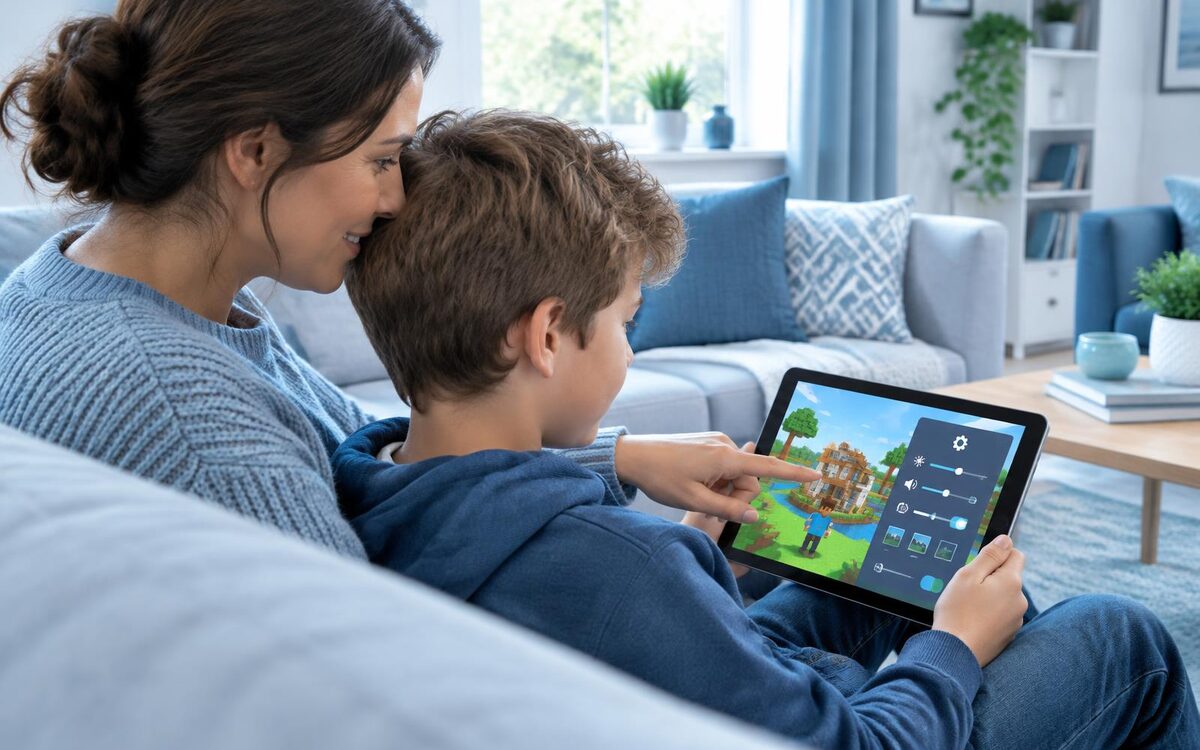
Roblox has changed more in the last year than in the previous five. There are now separate accounts for younger children, chat locked behind age checks and new parent controls. Here's what's actually true in 2026, what still worries parents, and the settings to check in ten minutes.
Quick answer: is Roblox safe for kids aged 7–12?
It can be, if it's set up properly and you stay involved. Since 2026, children under 9 are placed in a Roblox Kids account with chat switched off, and 9–15-year-olds get a Roblox Select account with games that have been reviewed for their age. Chat now needs a facial age check and mostly connects children with people of a similar age. These are real improvements, but no setting replaces a parent who knows what their child plays and who they talk to.
What's changed on Roblox (2025–2026)
- Age checks to chat: from January 2026, everyone needs a facial age estimate (or ID if 13+) to use chat. Images are deleted after processing, according to Roblox.
- Similar-age chat: after the check, children mostly chat with people in similar age groups, unless they add someone as a "Trusted Friend".
- Roblox Kids (under 9): chat is off by default and only games rated for their age are shown. A parent has to switch chat on.
- Roblox Select (9–15): reviewed games, chat with parental permission for under-13s, more features as they get older.
- Parent controls until 16: parents can link their own account and change chat, spending and screen time remotely.
Roblox by age: what your child can do
| Age | Account | Games | Chat | What we'd recommend |
|---|---|---|---|---|
| 5–8 | Roblox Kids | Age-rated games only | Off unless you allow it | Keep chat off. Play together in a shared room. |
| 9–10 | Roblox Select | Reviewed games | Similar ages or Trusted Friends, with your permission | Trusted Friends only (real-life friends and family). |
| 11–12 | Roblox Select | Reviewed games | Similar ages or Trusted Friends, with your permission | Similar-age chat, weekly check-in, spending limit on. |
The 4 risks settings don't fully fix
1. Being moved off Roblox
The most serious risk isn't inside the game. It's the stranger who says "add me on Discord" or "what's your Snapchat?". Once a chat leaves Roblox, none of its protections apply. Teach one simple rule: nobody from a game gets your other usernames, ever.
2. Robux pressure and scams
"Free Robux" links, fake trading offers and in-game pressure to buy items are common. Children can lose money or hand over passwords. Set a monthly spending limit and agree that any Robux deal that sounds too good is a scam.
3. Trusted Friends that aren't really friends
Trusted Friends can chat more freely. A child may accept someone they only "met" in a game. Agree that Trusted Friends must be people they know offline, and check the list together every few weeks.
4. Hours, not just content
Roblox games are built to keep players coming back: daily rewards, streaks and limited-time events. Even a perfectly safe setup can swallow evenings. Agree on when Roblox happens, not just whether it's allowed.
10-minute Roblox parental controls checklist
- Check the birthday on your child's account is correct. It decides which account type they get.
- Create your own parent account and link it from Settings → Parental Controls.
- Set chat under Settings → Privacy & content restrictions → Communication. Off for under-9s, Trusted Friends only for most 9–10s.
- Review Trusted Friends together. Remove anyone they don't know in real life.
- Set a monthly spending limit and turn on spending notifications.
- Set a daily screen time limit in Roblox, or use your phone's own controls.
- Turn off private servers with people who aren't friends, if your child is under 10.
- Show them how to block and report. Practise once, so it feels normal.
- Add a parent PIN so settings can't be quietly changed.
- Agree three house rules: no other usernames, no "free Robux", and tell me if anything feels weird. You won't be in trouble.
The script that matters most: "If someone in a game asks you to go somewhere else, sends you something strange or offers you Robux, come and tell me. You won't lose Roblox for telling me." Children hide problems when they fear losing the game.
Signs something isn't right
- Quickly switching screens when you walk in
- New "friends" they can't explain, or gifts of Robux
- Asking to download Discord or another chat app
- Upset, secretive or anxious after playing
If you see these, stay calm, ask open questions and check the friends list and chat history together. Report anyone suspicious inside Roblox and, in the UK, to CEOP.
Where Young Minds App helps
Roblox controls only work inside Roblox. Young Minds App sets when games happen across your child's devices, with calm automatic step-downs instead of last-minute arguments, so you're not the one pulling the plug every evening.
Related reading: Is Roblox chat and voice chat safe? · What is The Com? A parent's guide · Ways kids bypass parental controls
FAQ
What age is Roblox suitable for?
Roblox has accounts for all ages, but under-9s get a restricted Roblox Kids account. For most children aged 7–12 it's suitable with chat limited and a parent account linked.
Can my child chat with strangers on Roblox?
Chat now needs an age check and mostly connects similar ages. Under-9s have chat off by default. Strangers can still try to move children to other apps, which is the bigger risk.
Do I need a face scan for my child to use Roblox?
Only to use chat. Your child can still play without it, and you can confirm their age through parental controls instead.