AirTags for Kids: Can You Track Your Child With an AirTag? (2026 Parent Guide)
Can you use an AirTag to track your child? How AirTags really work, why they beep at school, safety risks, and the best alternatives for ages 5–12.
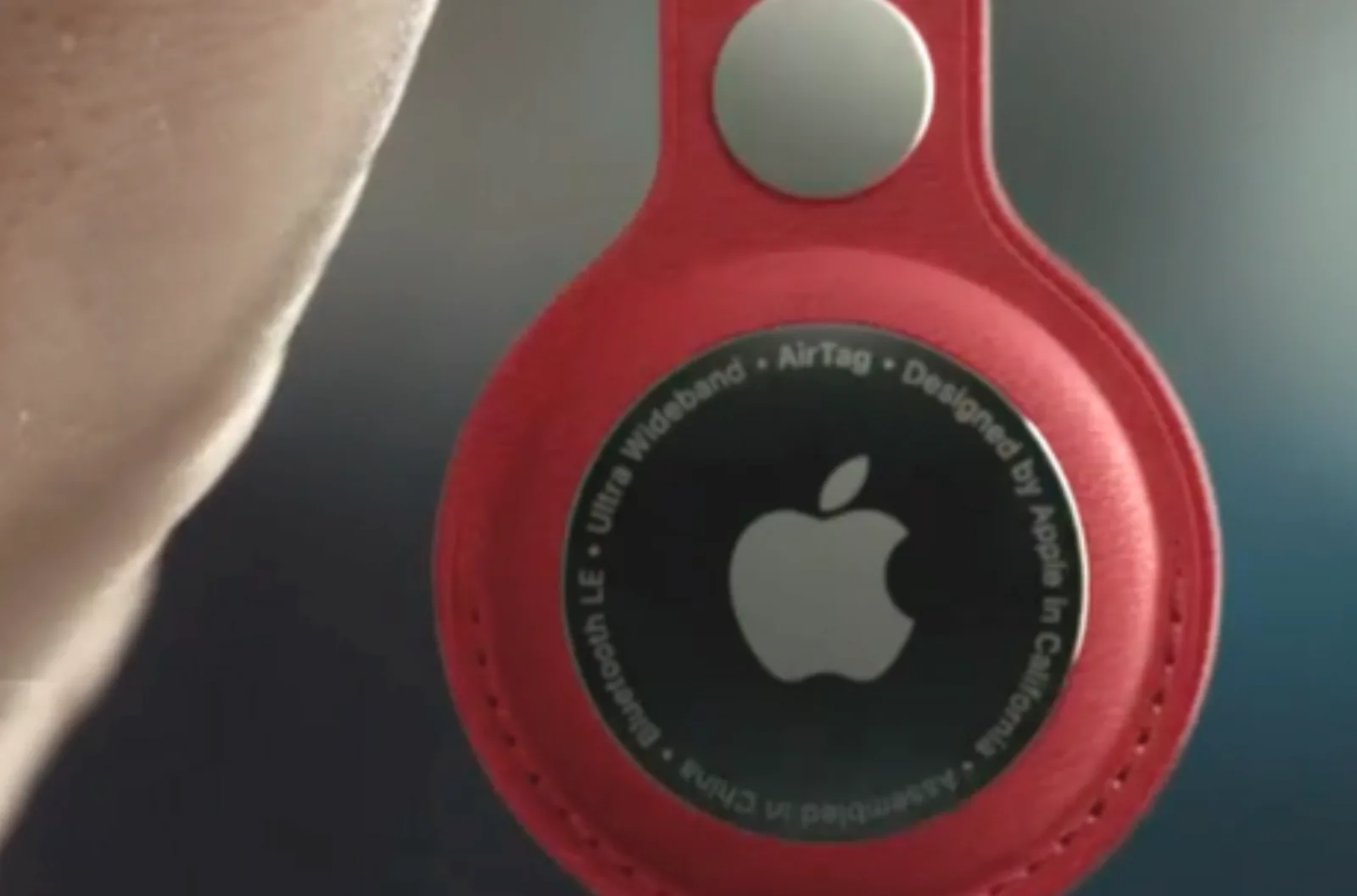
Quick answer
You can put an AirTag in your child's bag, but it is not a reliable or school-friendly way to track a child. AirTags were made to find belongings, not people. They have no GPS, location updates depend on other people's Apple devices nearby, and their anti-stalking alerts and beeps can cause problems at school. For children aged 5–12, a device built for children, or a phone with location features and clear family rules, usually works better.
How do AirTags actually work?
An AirTag has no GPS and no mobile signal. It sends out a Bluetooth signal. When any nearby iPhone, iPad or Mac picks it up, that device quietly reports the location to Apple's Find My network, and you see it in the Find My app.
- Busy places (city streets, shopping centres): updates can be frequent.
- Quiet places (parks, countryside, sports fields, a locker): updates may be slow or stop entirely.
- What you see is often "last seen" at a time and place, not where your child is right now.
Apple itself has said AirTag was designed to help people locate their personal belongings, not to track people (Apple Newsroom, 2022).
Can I use an AirTag to track my child?
Technically, yes. Many parents do, and online parenting forums are full of these stories. But it helps to know the limits before you rely on one:
- No live location: you can't follow your child in real time.
- No way to contact them: no calling, messaging or SOS button.
- No alerts when they arrive or leave somewhere, such as school.
- Easy to lose or remove: it stays with the bag, not the child.
It can be a backup for finding a lost school bag. It is not a safety plan.
Can I put an AirTag in my child's school bag?
Check your school's policy first. AirTags have anti-stalking features that work exactly as Apple intended, but they can catch out teachers and other families:
- "AirTag Found Moving With You" alerts: iPhones (and Android phones with unknown-tracker alerts) can warn people when an AirTag that isn't theirs travels with them. A teacher or classmate may see this alert during a school trip or bus journey.
- Safeguarding checks: schools take unexpected tracking seriously, so an alert may lead to questions and investigations.
- Ownership isn't obvious: staff who find one can't easily tell whose it is.
Why did my child's AirTag start beeping?
When an AirTag is away from its owner's iPhone for a while, it plays a sound so anyone nearby can find it. Apple says this happens at a random time between 8 and 24 hours after separation. If your phone isn't with your child during the school day, the bag might start beeping in the cloakroom or classroom. It is not a fault; it is a safety feature.
Are AirTags safe for young children?
AirTags use a small coin-cell battery. Swallowed button and coin batteries are a serious danger to young children, so keep AirTags in a secure, screwed or locked holder and away from very young children. Also think about privacy: a hidden tracker can undermine trust if an older child finds it without having been told.
AirTag vs kids' GPS tracker vs phone: which is best?
| What you need | Apple AirTag | Kids' GPS watch or tracker | Phone with location features |
|---|---|---|---|
| Built for tracking children | No, built for belongings | Yes | Partly, with parental settings |
| Technology | Bluetooth, via nearby Apple devices | GPS + mobile signal | GPS, Wi-Fi and mobile signal |
| Up-to-date location | Not reliable | Usually | Usually |
| Call or SOS | No | Often | Yes |
| School disruption risk | Alerts and beeping possible | Low, many have school modes | Low with school-time rules |
| Monthly cost | None | Often a SIM plan | Phone plan |
| Best for | Finding a lost bag | Younger children without a phone | Children ready for a first phone |
What is the best alternative to AirTags for ages 5–12?
- Ages 5–8: usually no tracker needed; they are with trusted adults. If you want one, choose a children's GPS watch with an SOS button.
- Ages 9–12: as children start walking to school alone, a GPS watch or a first phone with location features and parental controls is more dependable.
- Any age: agree simple rules together, such as checking in when they arrive, and what to do if they get lost.
Thinking about a first phone? Read smartphones vs dumbphones for pre-teens and the best dumbphones for kids.
How Young Minds App helps when your child has a phone
Location is only one part of keeping a child safe. Young Minds App helps parents of children aged 5–12 set up the phone as a whole:
- Location in the parent app, shared openly with your child.
- Study Mode and school-time routines, so the phone doesn't distract in class.
- Content filtering and Advanced Protection to keep settings in place.
- Always Allowed for essentials, such as calling you.
See how to set up location on the Help Centre, or find the right settings for your child's age with our feature recommendations.
FAQ
Do AirTags have GPS?
No. They use Bluetooth and nearby Apple devices to report location.
Does an AirTag work without an iPhone nearby?
Its location won't update unless an Apple device in the Find My network passes nearby. You need an iPhone or iPad to set it up and view it.
Can my child's teacher see the AirTag?
They can't see your location, but their phone may alert them that an unknown AirTag is moving with them.
Is it legal to put an AirTag on my child?
Parents tracking their own child's bag is generally allowed, but schools may have their own rules. Always check the school policy.
What about AirTag holders, wristbands or shoe inserts for kids?
They make the tag harder to lose and keep the battery secure, but they don't change how it works: still no live location or SOS.
The bottom line
AirTags are brilliant for keys and bags. For children, choose tools made for them, explain openly how location works, and build trust alongside the tech. Try Young Minds App free for 7 days on the App Store or Google Play.