WhatsApp Group Chats: Lauren Cowell's 6 Rules Every Parent Should Know
Campaigner Lauren Cowell shares six practical WhatsApp rules for parents, from group privacy settings to screenshots and exclusion, plus her Mirror report from the US social media trial.
Few people in the UK have done more this year to push children's online safety up the national agenda than Lauren Cowell.
A mum of two boys, aged 12 and 20, Lauren is one of the leading voices of the Raise the Age campaign, calling for a minimum age of 16 for social media. You may have seen her making the case on Good Morning Britain alongside fellow campaigner Ellen Roome, or heard her on LBC pressing ministers to force tech firms to remove the addictive features that keep children hooked. She speaks with the honesty of a parent who is living this at home, not theorising about it — and having met her, I can tell you no one cares more about this.
Her latest piece for the Mirror is essential reading. Lauren travelled to Los Angeles to sit in the courtroom on the first day of a landmark US trial in which two young women allege that social media platforms were deliberately designed to encourage compulsive use. As she writes, the cases focus not only on harmful content but on design: "Infinite scrolling, autoplay, personalised algorithms, notifications, Snapchat streaks. Features that encourage us to keep watching, keep checking and keep coming back."
It's a point we wholeheartedly agree with. And it's why Lauren's practical advice for families matters just as much as her campaigning.
Lauren's 6 WhatsApp rules every parent should know
Watch Lauren explain her rules: "Parenting in a Digital World Part 4: WhatsApp" on Instagram.
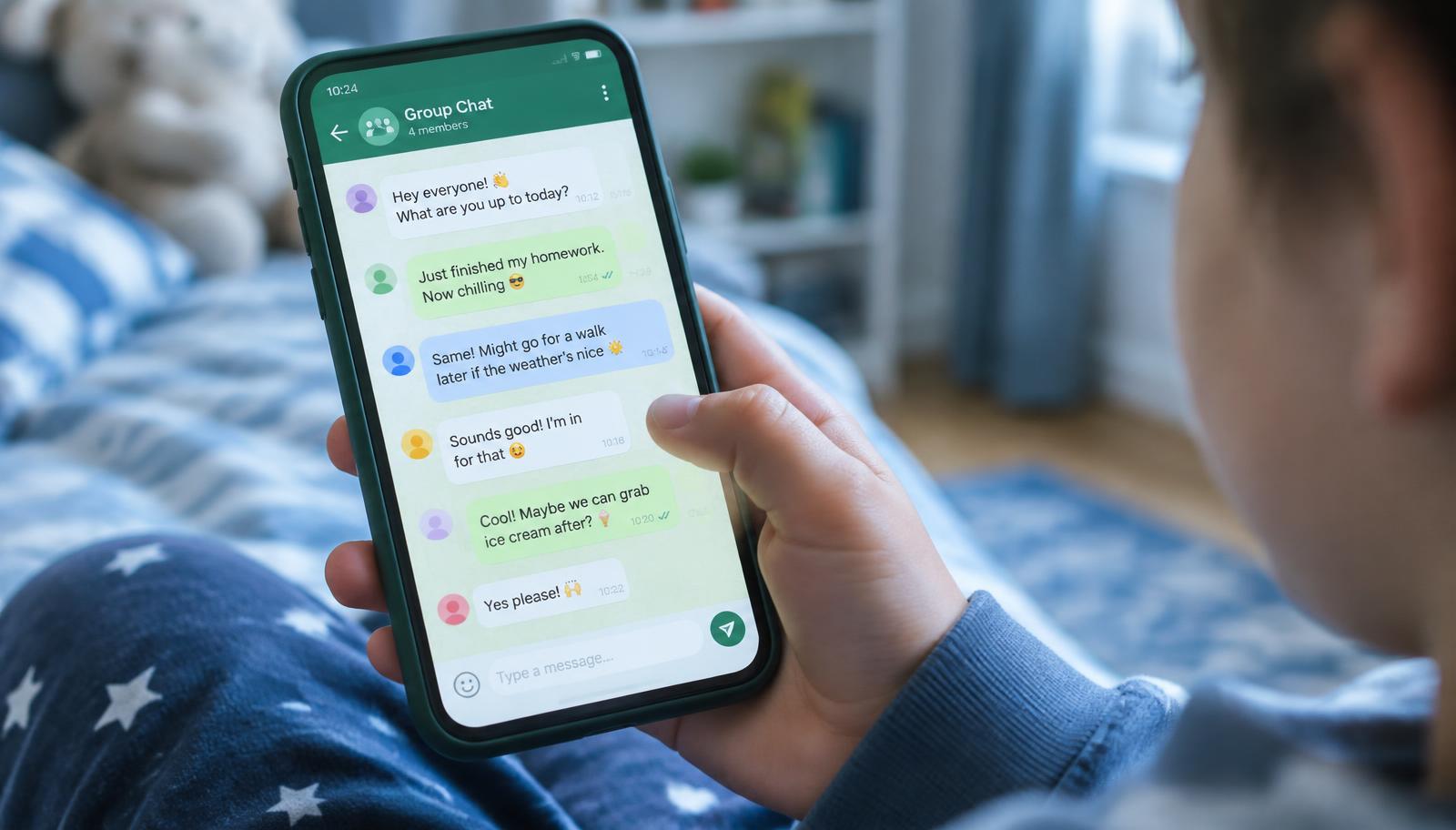
Group chats can bring friendship, pressure and exclusion into the same conversation. Below are six practical points from the advice shared with us, with additional guidance from Young Minds App; these are summaries, not a word-for-word transcript of Lauren's video.
1. Ask your child to show you which groups they're actually in
Not the groups you think they're in. The ones they're actually in. Class chats, football chats, "best friends" chats and the chats that spin off from those. Make it a calm, curious conversation rather than an inspection.
2. Check who is allowed to add them to groups
On a standard account, the Everyone group setting allows people outside the phone's contacts to add its user directly. Check Settings > Privacy > Groups and choose My contacts or My contacts except… to limit who can do that. Someone who cannot add your child directly may still send a private invitation, which your child can decline. This does not block all messages from strangers. See WhatsApp's group privacy guidance.
3. Talk about screenshots
Something written as a joke can quickly leave the group and be shared. End-to-end encryption protects personal messages in transit, but it cannot stop a recipient copying or sharing what they see. Children need to understand that a screenshot can outlive the moment by years.
4. Tell them they can leave any group, at any time
If a group becomes nasty, sexual, threatening or uncomfortable, your child is allowed to leave. Say it out loud. Many children stay because they fear looking rude or missing out. Knowing they have your permission, and that they won't be in trouble, makes it far easier to walk away and tell you.
5. Talk about exclusion
Removing someone from a group, creating a second group about that person, or piling on one child may not look like bullying to a 10-year-old. But it definitely can be. Help your child recognise it, whether it's happening to them, to a friend, or whether they're being drawn into it.
6. Check in often, and ask better questions
Don't just ask, "Is everything okay?" Ask, "Has anything weird happened in the group chats?" Ask who they're talking to. Specific questions get specific answers, and regular, low-pressure check-ins make it normal to talk about what happens online.
Why these rules work
What we love about Lauren's list is that none of it relies on spying. It's built on awareness, boundaries and conversation, exactly the skills children aged 5–12 need before they face group chats, algorithms and social pressure on their own. It echoes the theme of our guide on why you don't need to read your child's messages: trust and preparation protect children longer than surveillance.
A founder's note
Nino Dvalidze, founder of Young Minds App and parenting voice for 320,000 parents on Instagram
This is the defining fight of our generation. Tech platforms weren't built with children's wellbeing in mind, and parents cannot solve this alone. Having met Lauren and seen firsthand how fiercely passionate she is about this cause, I know how vital fearless, vocal leaders like her are. Changing this culture takes all of us standing together: bold voices holding platforms accountable, and innovators building practical solutions that protect children today. We are in this fight together.
FAQ
What age can children use WhatsApp?
A standard WhatsApp account generally requires the user to be at least 13, or the higher minimum age required locally. WhatsApp now also describes a separate parent-managed account for children under 13, where available. That is not the same as giving a younger child a standard account or using a family phone to bypass the age requirement. Check WhatsApp's terms and its parental controls page for eligibility and availability.
How do I stop strangers adding my child to WhatsApp groups?
On a standard account, go to Settings > Privacy > Groups and select My contacts or My contacts except…. This limits direct additions, but people may still send private invitations. Discuss declining unexpected invitations and blocking or reporting unwanted contact. Parent-managed accounts have separate contact and group approvals.
What are WhatsApp's new parental controls for 2026?
On 30 September 2026, WhatsApp announced optional parental controls for teens, described on its parental controls page as ages 13–17. Parents can oversee covered privacy settings, with a parent-set PIN required to relax them; receive alerts about joining or leaving groups and significant group growth; and choose how teens use Channels and Status. The announced Meta AI options include a stricter Limited Content setting. Personal messages and calls remain end-to-end encrypted: these controls do not provide parents with a message-reading tool. WhatsApp says the rollout is gradual and may not be available in your region yet; its official page does not confirm availability for every UK account.
How do I set up WhatsApp parental controls?
For teens aged 13–17, WhatsApp's official setup page says to open WhatsApp on the teen's phone, go to Settings > Parental controls, confirm their birthdate and follow the prompts to link the parent's account. For an eligible child under 13, the separate flow starts on the child's phone with Create a parent-managed account, then phone-number verification, birthdate confirmation and account linking. These accounts let parents review unknown-contact requests and choose who can contact the child and which groups they can join. A parent or guardian must be at least 18 to set one up. Follow the current parent-managed account instructions; if the option is missing, do not assume it has reached your region or bypass the age rules.